
Closing the Field-to-Office Data Gap: An ERP Feature Deep-Dive for Construction Firms
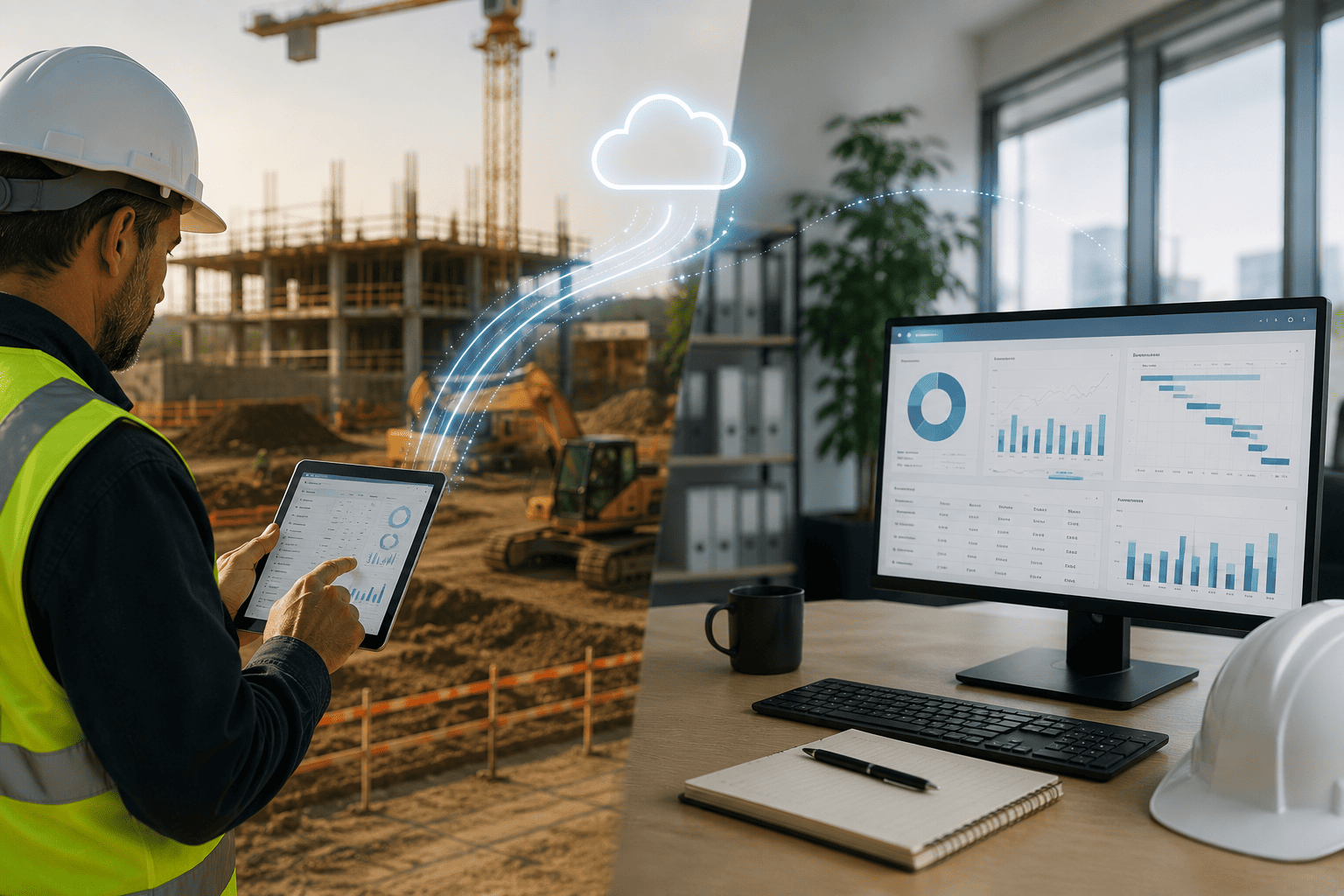
Ask any construction controller where their biggest source of cost overruns comes from, and a surprising number will point not to material prices or labor rates, but to the gap between what happens on the jobsite and what shows up in the accounting system. Daily logs written on paper and entered days later. Change orders verbally approved in the field but not reflected in committed costs until the following week. Equipment hours tracked in a notebook that never quite makes it back to the office.
This field-to-office data disconnect is one of the most persistent and costly operational problems in construction, and it is largely a technology problem rather than a people problem. Field crews are not failing to communicate; they are working with tools that were never designed to move information back to the office in real time. This blog looks specifically at the ERP features that close this gap, using Acumatica Construction Edition as the reference point for what a properly connected field-to-office workflow actually looks like.
Why the Field-to-Office Gap Costs More Than It Looks Like
The financial impact of delayed or disconnected field data compounds quickly. When daily field activity, labor hours, and material usage are not visible in real time, project managers make cost-to-complete decisions based on stale information. Change orders that are executed in the field but not yet logged in the system create a false sense of budget headroom that can persist for weeks.
The problem is rarely a lack of effort from field teams. It is a lack of a system built to move data in both directions, from office to field and back, without requiring double entry or delayed synchronization. In many legacy systems, or in operations still relying on spreadsheets and paper forms, field data effectively exists on a separate timeline from financial data, and reconciling the two becomes a recurring, manual, end-of-week exercise.
- Delayed visibility into actual labor and equipment costs against budget
- Change orders executed in the field before they are reflected in committed costs
- Daily logs and safety documentation completed late or inconsistently
- RFIs and submittals tracked outside the system of record, creating audit gaps
- Project managers making decisions on cost-to-complete using outdated data
What a Truly Connected Field-to-Office Workflow Requires
Closing this gap is not simply a matter of giving field staff a mobile app. It requires the mobile experience to write directly into the same financial and project data that the office team relies on, with no intermediate export, import, or re-entry step. Anything short of that reintroduces the delay the technology was meant to eliminate.
This is the core design principle behind Acumatica Construction Edition’s field tools: every entry made from a phone or tablet in the field updates the same underlying project record that drives job costing, billing, and financial reporting in the office, in real time.
Inside Acumatica Construction Edition’s Field-to-Office Features
Acumatica Construction Edition addresses the field-to-office gap through a set of connected mobile and field-facing tools that write directly into the core project and financial modules, rather than operating as a separate system that requires later synchronization.
- Mobile daily field reports: superintendents log labor hours, equipment usage, weather conditions, and site activity from a phone or tablet, with entries posting immediately to the project record rather than sitting in a queue for office data entry
- Real-time RFI and submittal management: RFIs raised in the field are logged, routed, and tracked against project timelines instantly, with full visibility for both field and office teams on outstanding items and response deadlines
- Field-initiated change order tracking: change events captured onsite update committed costs and revised budgets immediately, so project managers see accurate cost-to-complete figures without waiting for office reconciliation
- Photo and document capture tied to project records: field photos, inspection notes, and safety documentation attach directly to the relevant task, cost code, or RFI, building a real-time audit trail
- Time card entry with cost code allocation: labor hours entered in the field are automatically allocated to the correct cost codes and job, feeding directly into job costing reports without manual re-keying
- Offline capability with automatic sync: field tools continue to function without connectivity and synchronize automatically once a connection is restored, so remote or low-signal jobsites are not excluded from real-time data capture
The Job Costing Payoff
The most direct beneficiary of a closed field-to-office gap is job costing accuracy. When labor hours, equipment usage, and change events post to the project in real time rather than in a weekly batch, job cost reports reflect actual current status rather than a lagging approximation.
This has a direct effect on margin protection. Project managers who can see committed costs update as change events happen in the field are able to flag budget risk while there is still time to act, rather than discovering an overrun during a monthly financial close. It also strengthens owner and stakeholder reporting, since project status updates can be generated from live data rather than reconciled figures that are already a week or more out of date.
The compounding value shows up most clearly across a portfolio of concurrent projects. A general contractor running ten active jobs cannot manually reconcile field activity against budgets for each one every day; the volume of information makes that impractical without automation. Real-time job costing effectively does that reconciliation continuously in the background, surfacing only the projects and cost codes that require attention rather than requiring a manual review of everything. This turns job costing from a monthly lagging report into a daily operational tool that project managers and executives can actually act on.
Business Impact of a Connected Field-to-Office Workflow
Contractors who close the field-to-office gap see the benefit across several dimensions of the business, not just in accounting accuracy.
- More accurate, real-time cost-to-complete visibility for every active project
- Faster change order turnaround, reducing disputes over scope and pricing
- Reduced administrative burden on field staff, since data is entered once, not re-entered by office personnel
- Stronger documentation trail for RFIs, submittals, and safety records, supporting compliance and dispute resolution
- Improved cash flow through faster, more accurate progress billing tied to real-time field activity
Field Adoption: The Overlooked Factor in Closing the Gap
ERP feature capability only closes the field-to-office gap if field crews actually use the tools consistently. Superintendents and foremen are often managing multiple priorities on an active jobsite, and any mobile tool that adds friction, requires excessive taps, or duplicates work already done on paper will be quietly abandoned within a few weeks, regardless of how capable it is on paper.
This is why the design of the mobile experience matters as much as the underlying data architecture. Acumatica’s field tools are built around the workflows superintendents already follow, entering daily activity once at the point of observation rather than requiring a separate end-of-day data entry session. Offline functionality further reduces friction on jobsites with inconsistent connectivity, since crews are not forced to choose between capturing data in real time and waiting for a signal.
Firms that see the strongest results from closing the field-to-office gap typically pair the technology rollout with a short, focused training period for field supervisors, along with a clear expectation that daily logs and time entries happen from the field rather than being reconstructed later. The technology removes the structural barrier to real-time data; consistent field adoption is what actually captures the value.
From Reactive Reporting to Proactive Project Management
The deeper shift that a connected field-to-office workflow enables is a change in how project managers operate day to day. In a disconnected environment, project management is inherently reactive: issues are identified during a weekly cost review, well after the decisions that caused them were made in the field.
With real-time field data flowing directly into job costing, project managers can shift toward proactive management, reviewing committed costs and RFI status daily rather than weekly, and catching budget variances while there is still room to adjust scope, staffing, or procurement. This shift compounds across a portfolio of active projects, since a project manager overseeing multiple jobs can no longer rely on memory or informal check-ins to know which projects need attention. Real-time dashboards fed by field data make it possible to triage across a full project portfolio in minutes rather than days.
Owner and Stakeholder Confidence Through Real-Time Data
The field-to-office gap does not only affect internal decision-making; it shapes how owners, lenders, and other project stakeholders perceive a contractor’s control over a project. Progress reports and pay applications built on data that is a week or more out of date create a credibility gap that owners notice, particularly on projects with tight margins or aggressive schedules.
Contractors that can produce progress billing, cost-to-complete projections, and RFI status from live field data present a materially different picture to owners and lenders than those relying on reconciled, lagging figures. This becomes especially relevant during disputes over scope, delay claims, or change order pricing, where a complete, time-stamped record connecting field activity to cost impact is often the deciding factor. A connected field-to-office workflow does not just improve internal operations; it becomes part of how a contractor demonstrates project control to everyone with a financial stake in the outcome.
Is Your Field Data Reaching the Office in Time to Matter?
If your project managers are still waiting days for field activity to show up in job cost reports, or if change orders routinely outrun the system’s record of committed costs, the field-to-office gap is actively working against your margins. This is not a discipline problem for field staff to solve with more paperwork. It is a system architecture problem, and it has a direct technology answer.
Contractors evaluating a move away from legacy systems or spreadsheet-based field tracking should treat real-time field-to-office connectivity as a baseline requirement, not an optional add-on.
Ready to Close Your Field-to-Office Gap?
Acuvera Tech has helped construction firms across the country implement Acumatica Construction Edition to connect field operations with office financials in real time. Let’s talk about what a connected field-to-office workflow could mean for your projects.